Rollercoaster Tycoon Controls, HUD & Menus
Find every button that keeps your park earning.
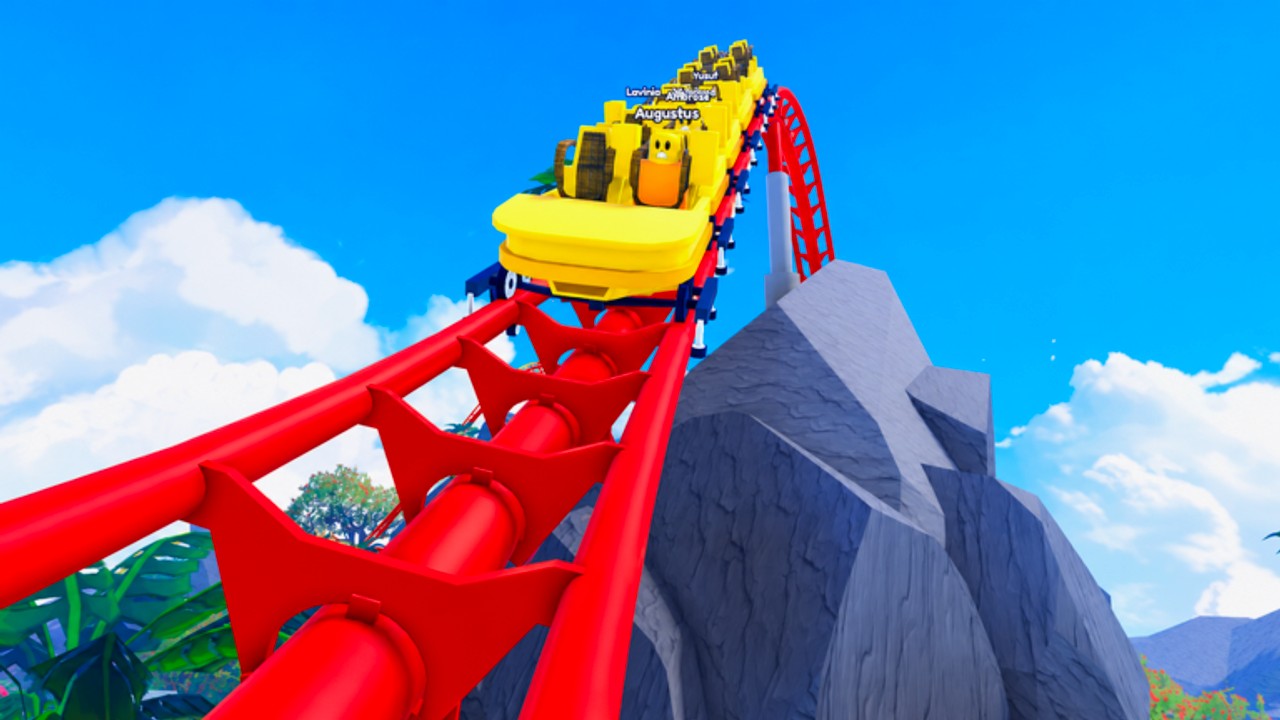
Orientation first
[UPD] Rollercoaster Tycoon is a pad tycoon: you claim a plot, then walk a glowing button path that unlocks rides, stalls, staff, and upgrades. There is no free-build coaster editor like Theme Park Tycoon 2 — if you are hunting track pieces, you are in the wrong Roblox game. This page maps the HUD so you stop missing income systems that the Getting Started guide assumes you can see.
Desktop essentials
- Move — standard Roblox WASD / left stick; camera with mouse or right stick.
- Interact — walk onto cash pads and purchase buttons; click UI prompts when they appear.
- Ride buttons — buy in path order; starting a ride usually requires a separate start / power interaction after purchase.
- Collect — pick up cash drops near droppers and attractions; later unlocks or scripts can reduce walking (see Scripts risk notes).
- Jump / sprint — default Roblox binds; useful when crossing a dense mid-game plot.
If a button does nothing, finish streaming, rejoin once, and confirm you own the previous unlock on the chain.
Stalls Update UI
After the November Stalls Update you will see stall unlocks on the path and a serve / restock interaction on placed booths:
- Buy the stall unlock when it lights up.
- Place or claim the stall pad on guest traffic.
- Use the serve prompt so guests can buy food or drinks.
- Return when the stall idles — unserved booths waste VIP potential (VIP Guests).
Script menus that mention Auto Serve Stalls or Stall Menu are automating this same prompt. Learn it manually first via Stalls & Staff.
Staff and repair prompts
- Janitor hire — appears as a staff unlock; once hired, trash pressure drops if bins are emptied.
- Engineer hire — pairs with repair prompts on broken coasters.
- Bins — walk up and empty; overflowing bins punish guest mood even if rides look fine.
Re-hire staff after every sacrifice — prestige clears the plot workforce.
Codes and settings panels
Promo codes open from the in-game Codes / Settings / Shop style panel (gear or ticket icon on the left or top HUD). Paste exactly, confirm, then spend the reward. Full redeem steps live on the Codes Hub. Do not paste codes from Build a Roller Coaster or Theme Park Tycoon 2 — wrong place ID.
Mobile differences
On touch devices:
- Use the on-screen joystick and jump button.
- Tap prompts instead of pressing keyboard interacts.
- Zoom out occasionally so you do not miss side pads behind the camera.
- Serve stalls in shorter loops; thumb travel is slower than WASD.
Executors that advertise mobile support still violate Roblox rules — the HUD tips above work without them.
Upgrade tree & leaderboard UI
Somewhere on the plot or menu you will find upgrade tree nodes (income, speed, capacity style multipliers) and a path to leaderboards. Spend tree nodes with a plan from Money & Upgrades and Tier List. Leaderboard habits are covered on Players.
Common “UI is broken” fixes
- Rejoin the experience after a client update.
- Reset character if you are stuck inside a ride volume.
- Confirm you are on place
94486764111804(Summit), not a lookalike tycoon. - Disable scripts if menus overlay and block taps.
- Check Updates when a patch moves icons.
Related guides
Master the HUD once and every other guide on this wiki becomes faster to execute.
Frequently Asked Questions
Quick answers for park owners and prestige grinders.
Where is the codes box?
Open the in-game settings or shop panel (gear / Codes tab). Paste the code exactly after your plot finishes loading.
Why can’t I build custom tracks?
This Summit tycoon uses a button unlock path for up to 34 rides. Free-build track editors belong to other Roblox park games.
Do controls differ on mobile?
Movement uses touch joysticks and taps for prompts. Serve stalls more often because camera and travel are slower.
Staff buttons missing after sacrifice?
Normal. Re-unlock and rehire janitor and engineer on the new run before you AFK.